Transforming Floral Images: The Art of Retouching
What will it cost to edit your catalog?
Answer 4 questions and we will estimate the price range and turnaround for your volume. The exact quote goes to your inbox.


GET THE PERFECT PHOTO IN ONE CLICK:
Remove background from photo
AI processing runs locally on our own hardware, no cloud, no subscription. It handles fine structures especially well: chains, hair, lacework, transparent stones. Output is a PNG with a transparent background.
Need it even better? Manual retouching by pros
AI handles 80% of cases. On hard ones (fur, transparent glass, tiny diamonds) a human hand does better. The gdefoto team processes product catalogs from $10 per photo, down to $5 at volume.
Process a catalog with the studioWhat common mistakes do people make when trying to shoot and edit photos of flower bouquets on their own?
- Low shooting quality
- Poor angles and backgrounds
- Graininess
- Excessive photo editing
When working with photos of flowers, we most often encounter difficulties such as poor image quality, badly chosen angles and backgrounds, grainy images, and excessive, low-quality photo editing.
However, even the most diligent attempts by amateurs will never match the skill of a professional photographer and retoucher.
Thanks to professional equipment, rich experience, deep knowledge of photography, the ability to create perfect lighting and to process shots with quality, professionals achieve results that leave amateur work far behind.
Our services for professional photo editing will open up the opportunity to transform your shots, giving them brightness, sharpness, and the visual appeal of a product. Even if they were taken by an amateur or on a phone.


How to Photograph Flowers on Your Phone: A Step-by-Step Guide
Photographing flower bouquets on your phone can be an enjoyable process and let you preserve the beauty of the moment for years to come. Here are a few tips to help you take perfect shots of your favorite flowers.
1. Find the Right Lighting
Lighting plays a key role in photography. It is best to photograph flowers in natural daylight, avoiding direct sunlight, which can create harsh shadows and distort colors. Try taking shots early in the morning or late in the evening, when the light is softer.
2. Choose a Suitable Background
The background should highlight the beauty of the bouquet, not distract from it. Use simple backgrounds in neutral tones. A white table or a plain wall can be an excellent choice.
3. Use Portrait Mode
Many modern phones have a portrait mode that is ideal for shooting flowers. This mode lets you blur the background, focusing attention on the bouquet. It will give your shot a professional look.
4. Experiment with Composition
Do not be afraid to experiment with different angles and compositions. Try photographing the bouquet from above, from the side, or even up close to capture the details. Using the rule of thirds can help create a harmonious and interesting frame.
5. Pay Attention to the Details
Flowers are full of amazing details. Do not forget to photograph individual petals up close, dew drops on the flowers, or intricate texture. These little things can make your shot truly special.
6. Use Editing Features Properly
Most phones offer built-in tools for editing photos. Use them to improve the brightness, contrast, and color saturation of your shots. But keep a sense of measure: your goal is to improve the photo, not change it beyond recognition.
Photographing flower bouquets on your phone is a wonderful way to capture your products for an online storefront.
Leave the editing to the professionals and message us in the chat.
Our retouching studio will turn your bouquets into a real treat.
Crop, fix the light with curves, clean up with the clone stamp and add a caption. All in one tab, no install and no sign-up.
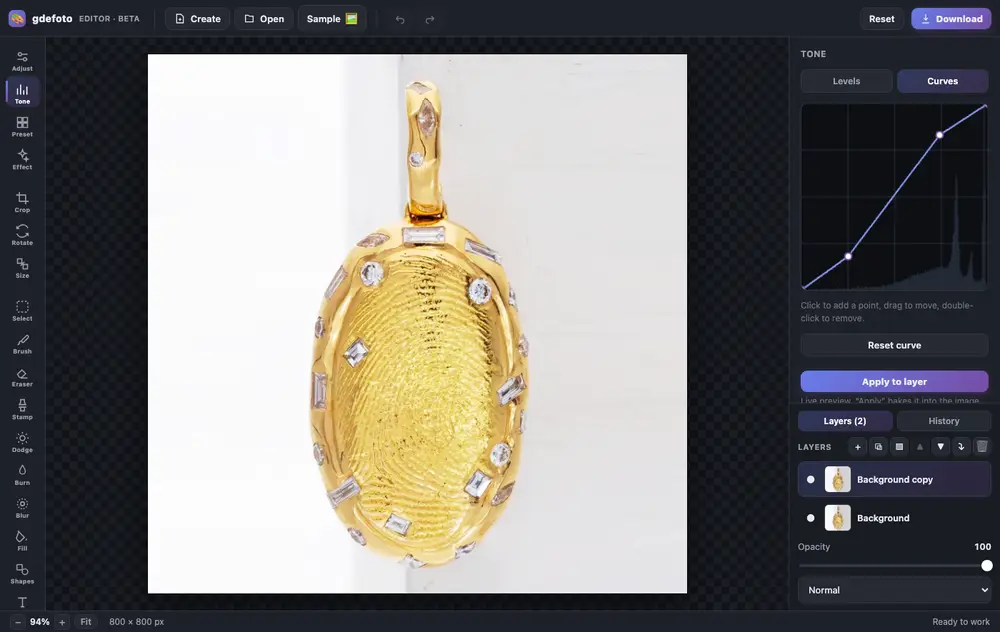
- Layers and masksBlend modes, opacity, masks painted with a brush or made from a selection.
- Light and colourLevels, curves, exposure, contrast, saturation and warmth.
- RetouchingClone stamp, dodge and burn, blur, brush and eraser. Crop, rotate and resize.
- AI built inColorize, restore, remove the background, upscale and sharpen: the result is added as a new layer.
- Text and shapesCaptions in the font you choose, rectangles and circles over the photo.
- In your browserNothing to install, no account. Full history with undo.
- Product photos: crop, brighten the background with levels, remove dust with the clone stamp.
- Old photos: restore with AI, colorize and add a caption.
- Social posts: a canvas from a size template, your shot and text on top.
Editing is free. Download is watermarked; remove the mark for $2.99.
Photo editing for other categories
Clothing · Footwear · Cosmetics · Electronics · Furniture · Food · Bathroom fixtures
Frequently asked questions
How fast can you turn around bouquet photos?
Fast, because flowers do not wait. Small daily sets are usually back within hours, and a full shop catalogue on a 24 to 48 hour cycle. If you photograph the day's arrangements each morning and need them online by the afternoon, we set a standing slot for it, so you are not renegotiating a deadline every day. We work every day including holidays, which matters through Valentine's Day and Mother's Day when your volume triples and your window to publish is at its shortest.
Can we shoot on a phone in the shop?
Yes, and most florists do. Shoot near a window with the overhead shop lights switched off, because mixing daylight with warm bulbs turns greens muddy and is the single most common problem we see. Put a plain wall or a roll of paper behind the bouquet, step back and zoom in slightly rather than shooting from very close, and take three or four frames. Send the originals straight from the camera roll, not copies passed through a messenger, and do not apply filters before sending.
What does it cost for a whole shop catalogue?
Volume editing starts from $10 per photo, down to $5 per photo on volume for colour correction, cleanup and a consistent background. More involved work, such as rebuilding a background, compositing a bouquet into a styled scene, or building marketplace cards with text, is quoted separately. Send twenty typical shots and we price the batch as one figure, so your cost per position is predictable. Florists with a daily flow usually take a monthly package with an included volume, which works out cheaper per image and removes the quoting step entirely.
Will the colours match the actual flowers?
That is the whole point, and it is why we stay conservative with saturation. A customer who orders a dusty pink arrangement and receives a magenta one complains, so we correct toward what the flower genuinely looks like rather than toward whatever shouts loudest in a feed. If you know a particular variety reproduces badly, name it and send a reference, whether an approved earlier photo or simply a description of the true shade. Colour corrections fall under included revisions and are not billed as extra work.
Can you fix a bouquet that is past its best?
Within reason. Bruised or browning petal tips, a torn leaf, dust and stray debris all come out cleanly, and water droplets can be added or removed. What we will not do is turn a tired arrangement into a fresh one, because the shape and the way the stems sit give it away, and the listing then misrepresents what the customer actually receives. If a particular item photographs badly every time, it is usually cheaper to reshoot it than to retouch it repeatedly, and we will say so.
How do we start, and what happens to our images?
Send five or six photos covering your usual range: a light bouquet, a dark one and something arranged in a vase. We edit them free of charge so you can compare them against what you publish now. If you like the result we fix a look, background, crop and level of correction, and apply it to everything afterwards so the site reads consistently. Your files remain yours, we never use them as samples without written permission, and uploads are cleared from our systems once the order closes.