Make a Photo Black and White Online
Classic, contrast, sepia, and film with a desaturation intensity slider. Everything is computed right in your browser, so your photo is never uploaded to a server.
Which style to choose
Classic
Even black and white based on brightness (Rec.709), the way the eye perceives light. A versatile choice for product listings, portfolios, documents, and social media. Tones transition smoothly, with no crushed shadows or blown-out whites.
Contrast
The same black and white, but with boosted contrast: deeper shadows, brighter highlights. Great for graphics, product shots on a white background, crisp silhouettes, and anywhere you want punch instead of softness.
Sepia
A warm, brownish monochrome for an old-photo look. Perfect for vintage covers, retro layouts, family archives, and artsy listings. The tone is tuned so it never looks muddy or yellow.
Film
High-contrast black and white with light grain, mimicking analog film. It adds lively texture and strips away that digital sterility. Great for lookbooks, lifestyle, reportage, and creative shots.
Why the intensity slider
You don't have to push desaturation all the way to full black and white. At in-between values, some of the original color stays, giving you a muted, desaturated shot that looks great across a consistent product feed or a calm, on-brand visual style. Drag the slider and see the result on the preview instantly.
How to use it
- Drag a photo into the upload area, or click to choose a file
- Pick a style: classic, contrast, sepia, or film
- Use the slider to set how much to desaturate
- Choose a format (JPG or PNG) and click Download
Frequently asked questions
Is my photo uploaded to a server?
No. All processing happens right in your browser via canvas, so the file is never sent anywhere. It's fast and private, even for personal or work photos.
What quality is the result downloaded in?
Up to 4096 px on the long side. JPG is saved at quality 92, and PNG is lossless. That's more than enough for most needs (marketplace, social media, A4 printing).
What's the difference between 'desaturate' and 'black and white'?
Full desaturation is a black-and-white photo. But with the slider you can keep some of the color, for a partially desaturated, muted shot. That's handy for a consistent look across a feed.
Can I bring color back to a black-and-white photo?
That's the reverse task. There's a separate AI tool for it, colorize a black-and-white photo, linked below in the related tools block.
Need to batch-process a catalog?
If you need to desaturate or unify the style of dozens or hundreds of listings, submit a request through the form on our services pages and we'll handle it as a batch for your catalog.
Related tools
- Colorize a black-and-white photo, the reverse task, AI adds color
- Crop a photo, to the aspect ratio you need
- Compress a photo, shrink the file before publishing
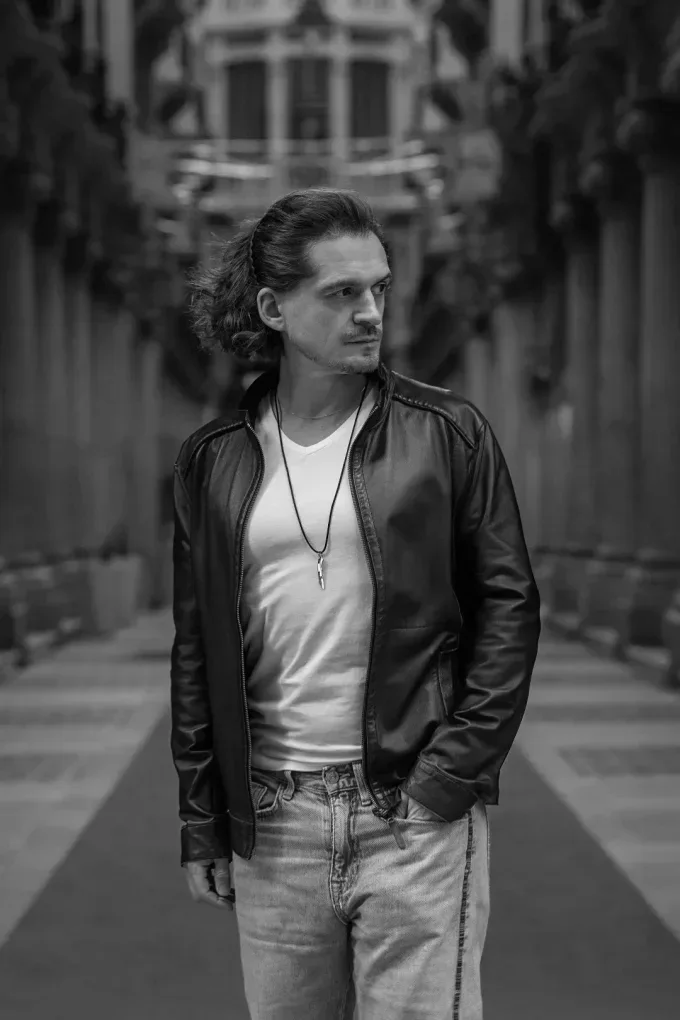
Before and after

Read also
- How to Colorize a Black and White Photo Online: Realism, Accuracy and When to Trust a Retoucher
- How to Improve Your Photos for Instagram and Social Media: Light, Framing, Editing
- Color Correction in Photoshop: Vibrant, Professional Photos
- How to Colorize a Black and White Photo in Photoshop and GIMP: Neural Filter and Manual Coloring
- How to Colorize an Old Photo With AI and Get Good Quality