Pixels to inches and cm for printing: how big a photo can print at 300 dpi
Pixels to inches and cm for printing: how big a photo can print at 300 dpi
Pixels to inches: the short answer
A photo file has a size in pixels, a print has a size in inches or centimeters. DPI (dots per inch) connects them: inches = pixels / DPI, and one inch is 2.54 cm. A photo of 3000x2000 pixels prints at 10x6.67 inches (25.4x16.93 cm) at 300 DPI.
The calculator below does the math in your browser. Enter a print size and get the pixels, enter pixels and get the print size, or drop a photo and see how large it can be printed.
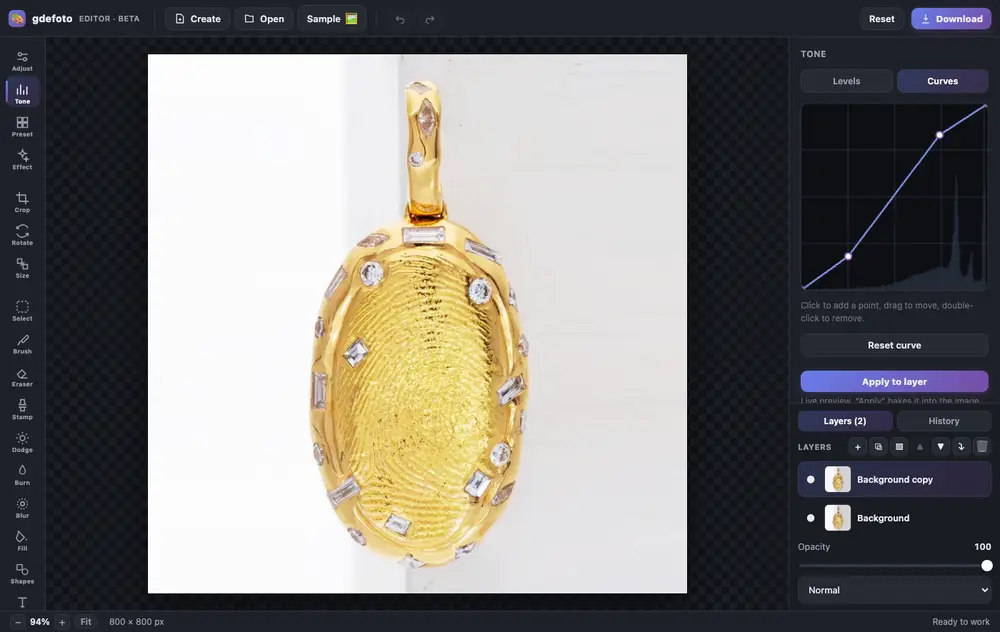
Crop, fix the light with curves, clean up with the clone stamp and add a caption. All in one tab, no install and no sign-up.
- Layers and masksBlend modes, opacity, masks painted with a brush or made from a selection.
- Light and colourLevels, curves, exposure, contrast, saturation and warmth.
- RetouchingClone stamp, dodge and burn, blur, brush and eraser. Crop, rotate and resize.
- AI built inColorize, restore, remove the background, upscale and sharpen: the result is added as a new layer.
- Text and shapesCaptions in the font you choose, rectangles and circles over the photo.
- In your browserNothing to install, no account. Full history with undo.
- Product photos: crop, brighten the background with levels, remove dust with the clone stamp.
- Old photos: restore with AI, colorize and add a caption.
- Social posts: a canvas from a size template, your shot and text on top.
Editing is free. Download is watermarked; remove the mark for $2.99.
Where it matters
- Ordering prints: check that a phone photo has enough pixels for a 5x7 or an 8x10 before you pay for it.
- Print shops and posters: find the pixel size a layout needs for A4, Letter or A3 at 300 DPI.
- Upload forms: some forms ask for a size in inches or mm and others in pixels; the calculator turns one into the other.
- Designers and sellers: see the megapixels and a rough JPEG file size for a given print size.
Do not want to fiddle with it? Hand the photo to a retoucher
Automation does not fix everything: a difficult frame, a photo that matters, an old print off a scanner. Where the algorithm gives up, a person works the picture layer by layer in Photoshop, by hand.

 BeforeAfter⇆
- Bring back sharpness in the face and eyes
- Remove noise and artefacts without plasticising the skin
- Fix colour, contrast and a broken exposure
- Remove scratches, stains and creases from an old scan
- Return a file large enough to print
- Price per photo$10
- Turnaroundwithin 24 hours
- Deliveryto your email
- If we cannot do itmoney back
We will finish your photo by hand
A studio retoucher fixes what automation cannot: sharpness, face, colour, defects. Pay first, then simply send the photo and tell us what you need. If we cannot do it, you get your money back.
- Manual photo retouching$10
Pixels for common print sizes at 300 DPI
- 4x6 inches (10x15 cm print): 1200x1800 pixels.
- 8x10 inches: 2400x3000 pixels.
- A4 (210x297 mm): 2480x3508 pixels.
- 2x2 inches (US passport photo): 600x600 pixels.
300 DPI is the usual target for photo prints. At 150 DPI a print still looks acceptable from a normal viewing distance, and the needed pixels are half as many on each side.
How to use the calculator
- Print size to pixels: pick a common size or type the width and height in cm, mm or inches, then choose the DPI (72, 96, 150, 300, 600 or your own).
- Pixels to print size: type the width and height in pixels and see the size in cm, mm and inches at the chosen DPI.
- From a photo file: drop a JPG, PNG, WebP or GIF. The calculator reads its pixel size and the DPI written in the file and shows how large the photo can be printed. The file is not uploaded anywhere.
Frequently asked questions
Does changing the DPI in the file make the photo sharper?
No. The DPI field in the file only tells the printer how big to print. Sharpness depends on the number of pixels. To print larger with the same quality you need more pixels, for example by upscaling the photo.
How many pixels is one inch?
It depends on the DPI: 300 pixels at 300 DPI, 96 pixels on a typical screen setting of 96 DPI.
How do I convert pixels to cm?
Divide the pixels by the DPI and multiply by 2.54. For example, 1200 pixels at 300 DPI is 4 inches, or 10.16 cm.
Is the JPEG size exact?
No, it is an estimate. The real size depends on the subject and the compression level.
For ID photos see ID photo size and passport photo size by country, for cards business card size in mm, inches and pixels.
We will edit a sample from your catalog for free
For online stores, manufacturers, brands and wholesale suppliers. Send 1-3 product photos and we will return them professionally edited, with a price quote for your whole catalog.
This is a b2b, volume format. We do not process personal photos (portraits, events, documents) here.
Request received
We will edit your sample and send the result with a catalog quote within one business day.